Prostir

Practical guide

How to make your product available in ChatGPT and Claude

Making your product available in ChatGPT and Claude starts with a useful service and a supported connection. Keep its behavior and approved tools in Prostir, then verify access in each client people will use.

Before you read

What gets published

You leave with a six-part plan for one useful connection: the customer job, the actions and answers, sign-in, client support, trust controls, and a small pilot.

Best for

Founders and product owners whose customers already draft, research, plan, or ask for help in ChatGPT or Claude.

Where the work happens

ChatGPT · Claude · Product access · MCP

01

The interaction shift

  • The change is not that every product needs a chat box. The important shift is that customers increasingly begin a job inside an AI application and prefer products they can reach without breaking that flow. Being connectable can remove a copy-and-paste step, but it does not guarantee ranking, installation, approval, or use. Your website and normal product interface still matter.
02

Pick one customer job

  • Choose one moment with obvious value: check an order, compare an approved offer, create a task, retrieve a policy, or prepare a draft from owned material. Write down what the person asks, what the product must read, what it may change, and what success looks like. A vague goal such as ‘put our company in AI’ creates a menu of weak tools instead of a useful product interaction.
03

Design the product contract

  • Expose a small, stable contract. Give each read or action a plain name, only the fields it needs, useful errors, and a meaningful text or structured fallback. Keep the same product identity, business rule, and authorization behind the website and AI clients. Where a visual table, form, chart, or board adds real understanding, use the client’s supported interactive surface; do not hide the result in decorative prose.
04

Connection is not distribution

  • ChatGPT and Claude do not offer identical connection paths to every account, plan, organization, region, or administrator. Support changes over time. Confirm the current client documentation, transport, authentication, review, and publication route before promising availability. A working remote endpoint proves a technical connection; it does not prove that a public directory will list it or that every customer can install it.
05

Keep trust at the boundary

  • Sign in the real user and enforce the product’s own permissions on every request. Separate read actions from writes, ask for confirmation before sending, buying, deleting, or publishing, record who acted, cap returned context, and provide revocation. Treat instructions returned by external content as data, not as new authority. The AI client can help a user decide, but the owning service must remain the final gate.
06

Run a useful pilot

  • Run a thirty-day pilot with one audience and one job. Measure successful completions, corrections, refused unsafe requests, time saved, and where people abandon the flow—not vanity chat volume. Interview users who went back to the website. Keep the connection if it shortens the real job; narrow or remove it if it only adds another place to maintain the same menu.
07

Why use Prostir if I already have ChatGPT, Claude or automation tools?

Keep tools that already do their job. Prostir adds a place to define a product's Knowledge, rules, allowed actions and access, with a shared Builder. Agents can be used in compatible AI clients. A Prostir Flow is useful when its explicit steps fit the job; migration is not a requirement.

A Prostir example

Keep ChatGPT or Claude as your interface where the connection is supported, and connect a configured Agent. Keep an existing n8n, Make or Zapier workflow unless you have a concrete reason to change it.

Explore connected knowledge, then use Builder to update the agent's rules.

What to check first

Identify the missing piece first. Test the exact client connection and compare one complete job before deciding whether to replace anything.

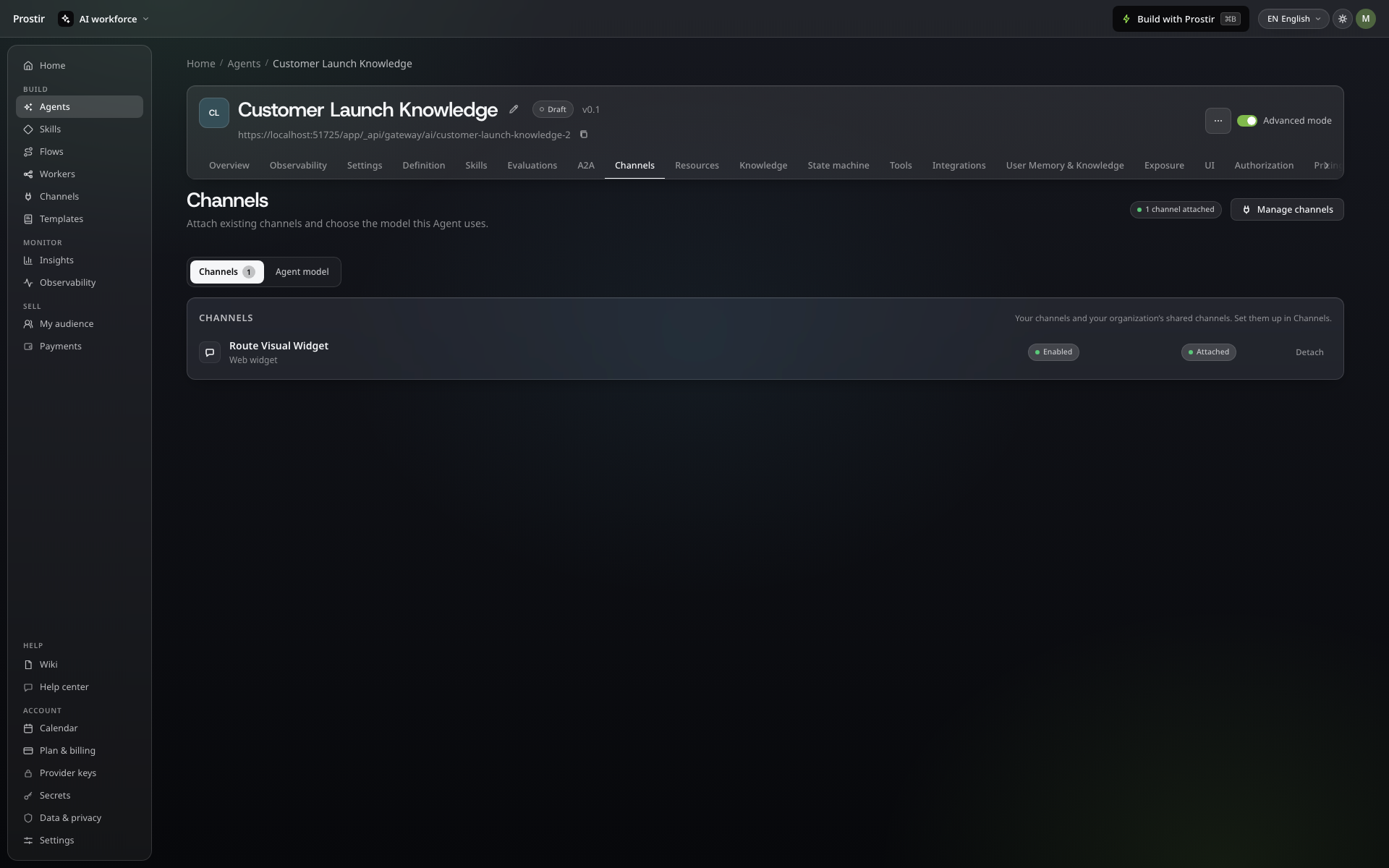
Agent channel list with an enabled website widget attached to the Agent
Connect the channels your audience uses.

Solutions

Hosted MCP server for business AI that lives in Prostir

A published agent with its own hosted address, authorized tools and an MCP endpoint you can verify in supported clients.

Solutions

Keep your agent ready for the next conversation.

Your agent needs a home for its knowledge and allowed actions. Build it in Prostir, connect a compatible AI client and test access with the people who need it. Start your 7-day Creator trial, no card needed.

Image preview