Prostir

Flows · Preview

No code AI workflow builder preview for a process you can map

The Prostir no code AI workflow builder gives one repeatable process its own Flow: name it, build its steps on a visual canvas, and review how work should move. The product is in Preview, so the page separates the working editor from reliability guarantees that are still being completed.

Preview

What is getting in the way

Repeated work often moves through copied notes, manual reminders, and unclear handoffs. Automating a process with no clear owner, start, exception path, or completion rule simply makes those problems run faster.

What changes

Use Flow to make the process visible: add triggers and steps, connect them in a graph, review execution settings, and prepare an explicit version. Preview is suitable for evaluating the editor and bounded runs, but it does not present unfinished retry, recovery, or scheduling work as a production guarantee.

Flows · Preview

How Prostir gets you there

  1. Bound one process

    Give the Flow a name and address, then define the start, required inputs, result owner, and any exception that needs a person.

    Prostir Flow creation form for choosing the workflow name and public slug
    Actual Prostir interface with demo data. Select the image to open it full size.
  2. Map the Flow

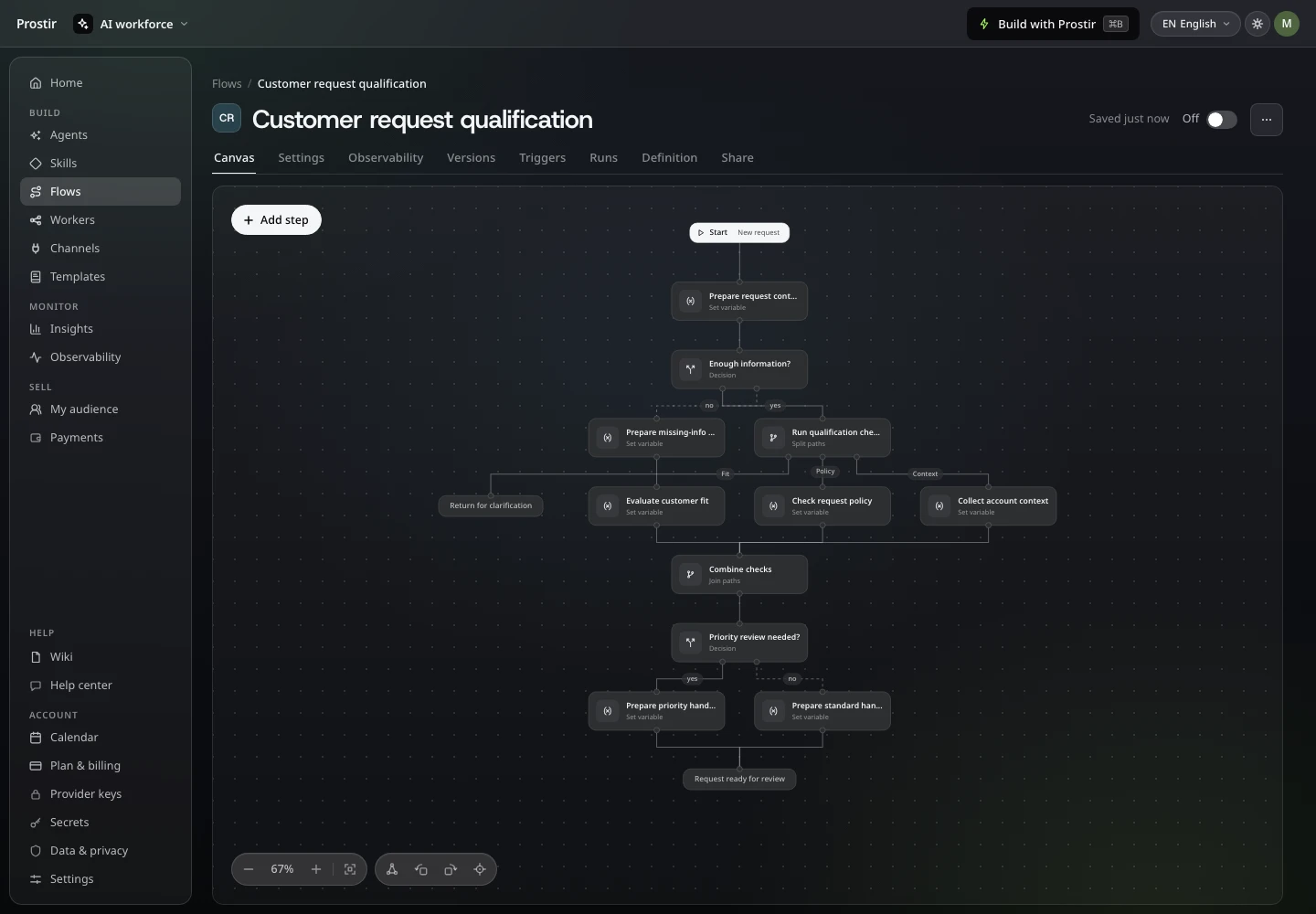
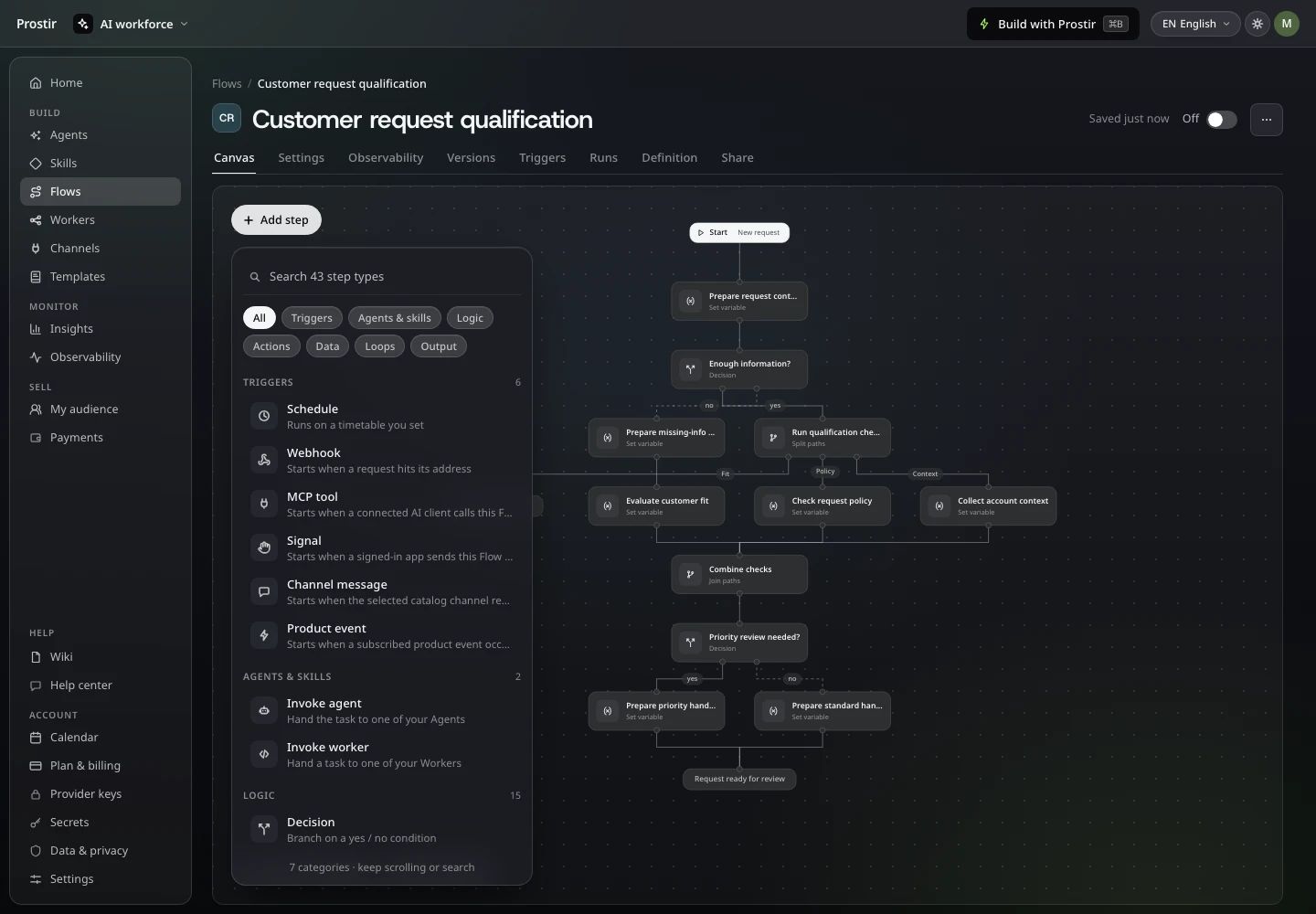
    Choose a trigger, add allowed steps, connect them on the canvas, and configure every transition without hiding the process in prose.

    Prostir Flow visual editor with a step catalog, canvas, and selected-step settings
    Actual Prostir interface with demo data. Select the image to open it full size.
  3. Review it in preview

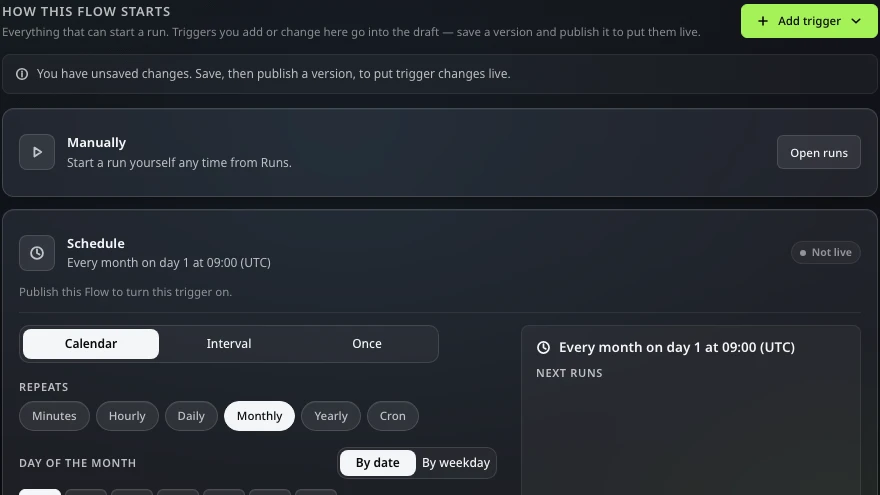
    Review the graph, durable checkpoints, and execution settings before using Preview for a bounded scenario rather than a critical operation.

    Prostir Flow review screen with identity, graph orchestration, and durable checkpoint settings
    Actual Prostir interface with demo data. Select the image to open it full size.

Preview

What you can verify

  • Flow is a separate product with its own identity, slug, mutable draft, visual editor, explicit versions, publication, passport, and portable archive.
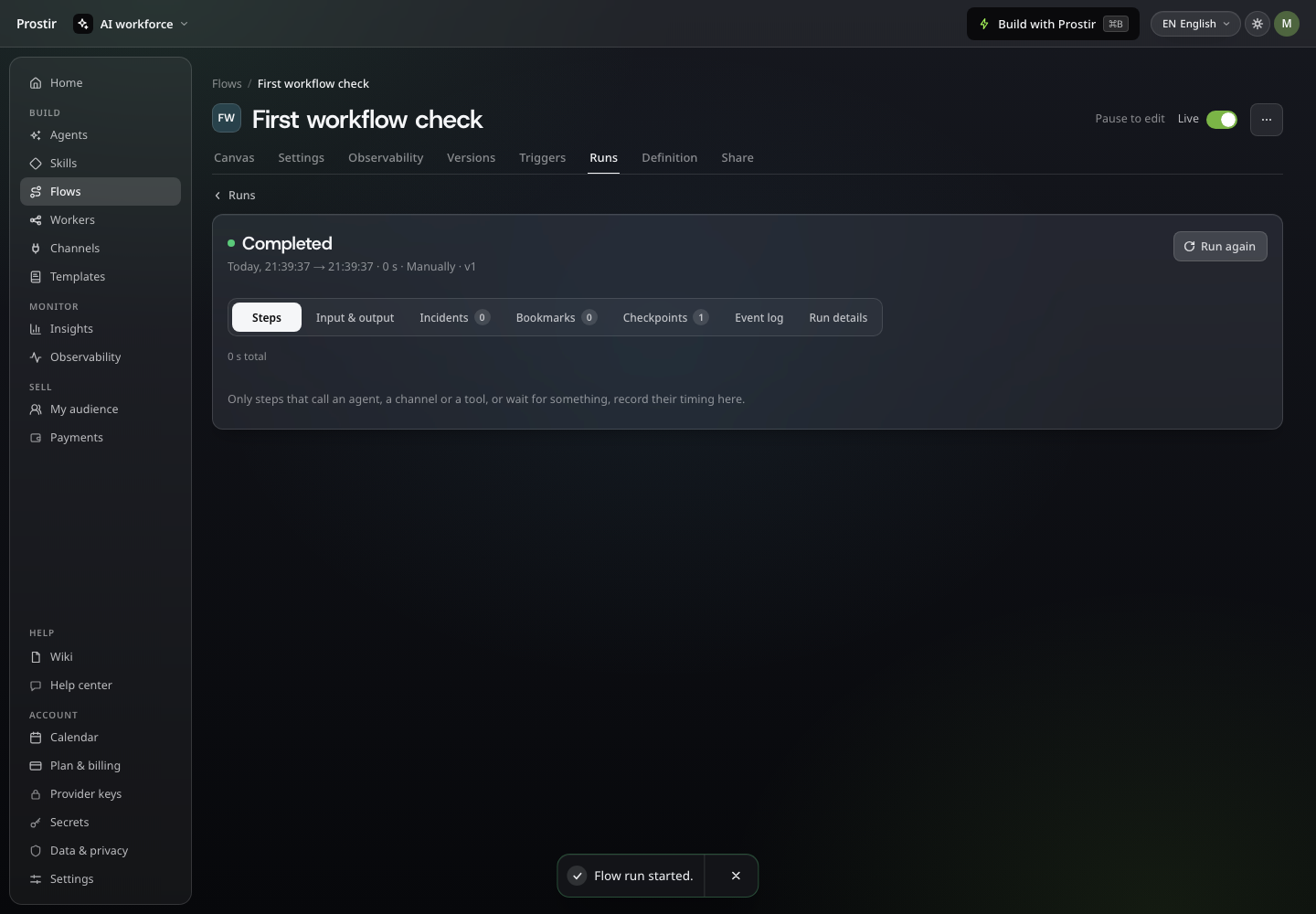
  • The canvas exposes its step catalog, graph, and selected-step settings; execution keeps events, checkpoints, bookmarks, and incidents with a responsible run owner.
  • Preview remains visible until retry, recovery, branching, looping, scheduling, and complete production reliability pass every release criterion.

A good fit if

  • You can describe one bounded repeated process and want to make its automation design concrete.
  • You are comfortable evaluating a preview while the release acceptance matrix is completed.

Not the right fit if

  • You need a business-critical automation with production reliability guarantees today.
  • You need a promised replacement for n8n, Zapier, or another established automation runtime.

Questions before you decide

01

Is this production-ready workflow automation?

Not yet. The editor and product surface are useful, but the runtime remains in staged implementation and its reliability, retry, recovery, and scheduling criteria are still gated.

02

Why join the preview now?

It is useful when you want to define the real process and its boundaries early, then evaluate the Flow surface against that concrete job as release evidence lands.

Preview

Bring one process, not an automation wish list

Describe the repeated work, handoffs, result owner, and cost of failure. We will tell you what can be evaluated in Flow Preview now and what should wait for production guarantees.