What is getting in the way
A good method gets lost when it only lives in one person’s prompt or a copied set of instructions. When the instructions change, people must find and correct every copy before they can trust the next result.
Skills
Use an AI agent skill builder to turn a repeatable method into a Skill your agents can use. Describe the steps, expected result and limits in Builder, then test it in the work it supports. Keep a useful writing, research or review method ready for the next agent that needs it.
Available
Read the customer’s question and the supplied product policy. Ask for missing information.
A good method gets lost when it only lives in one person’s prompt or a copied set of instructions. When the instructions change, people must find and correct every copy before they can trust the next result.
A reusable method with a clear purpose, ready to support authorized agents. The Skill keeps its method, supporting material and limits together. Test it with the agent and tools that will actually apply it to the job.
Skills
Describe what the Skill helps an agent do, which inputs it needs and an example of the output you want.
Ask Builder to organize the instructions and supported resources. Keep the method specific enough to test.
Attach it to an appropriate agent and test a real task. Refine the shared method when the result misses the mark.
Available
skill
Keep your method, examples and supporting files together so an agent can follow them.
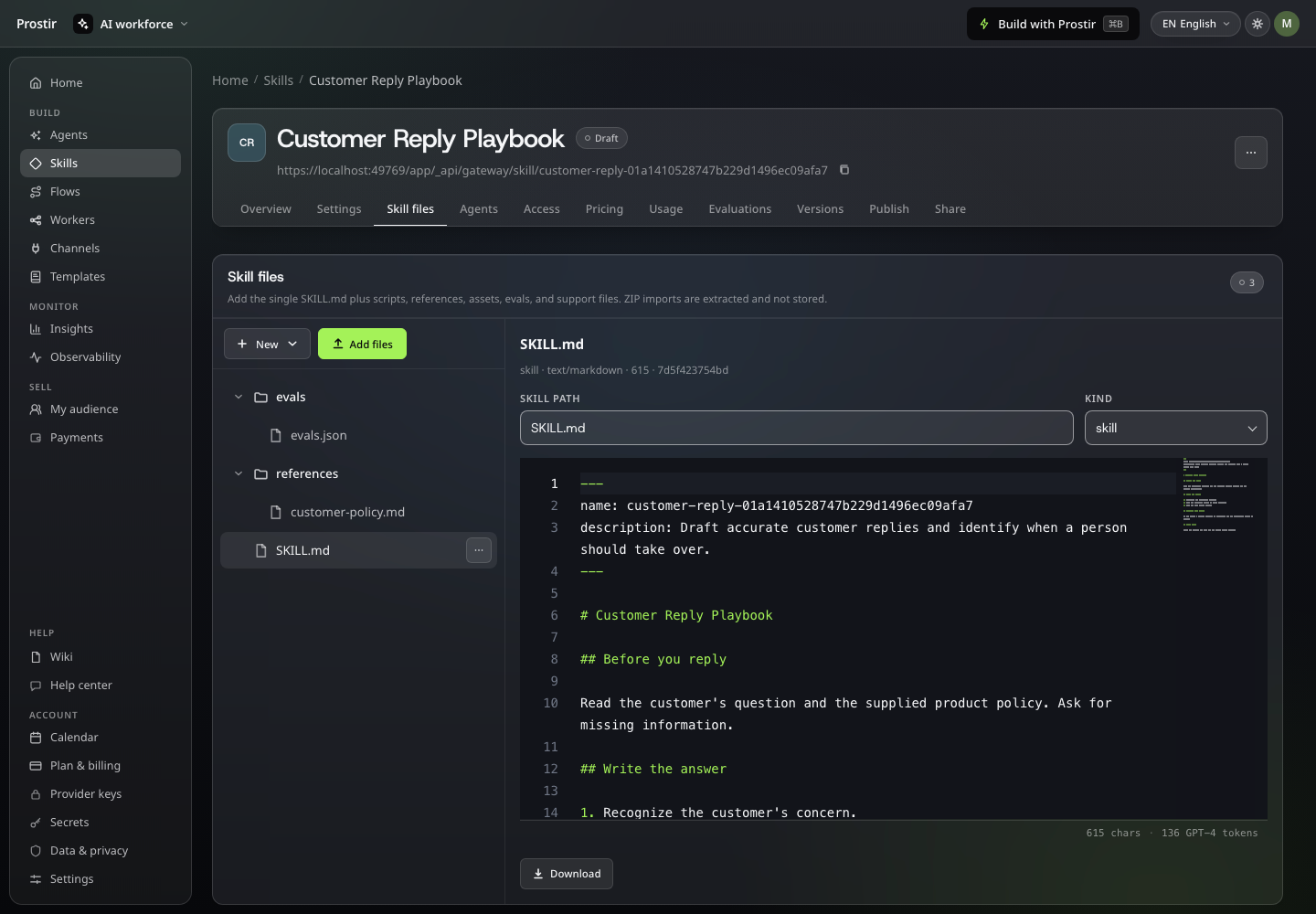
skill
Try realistic cases and review the results before relying on a reusable method.
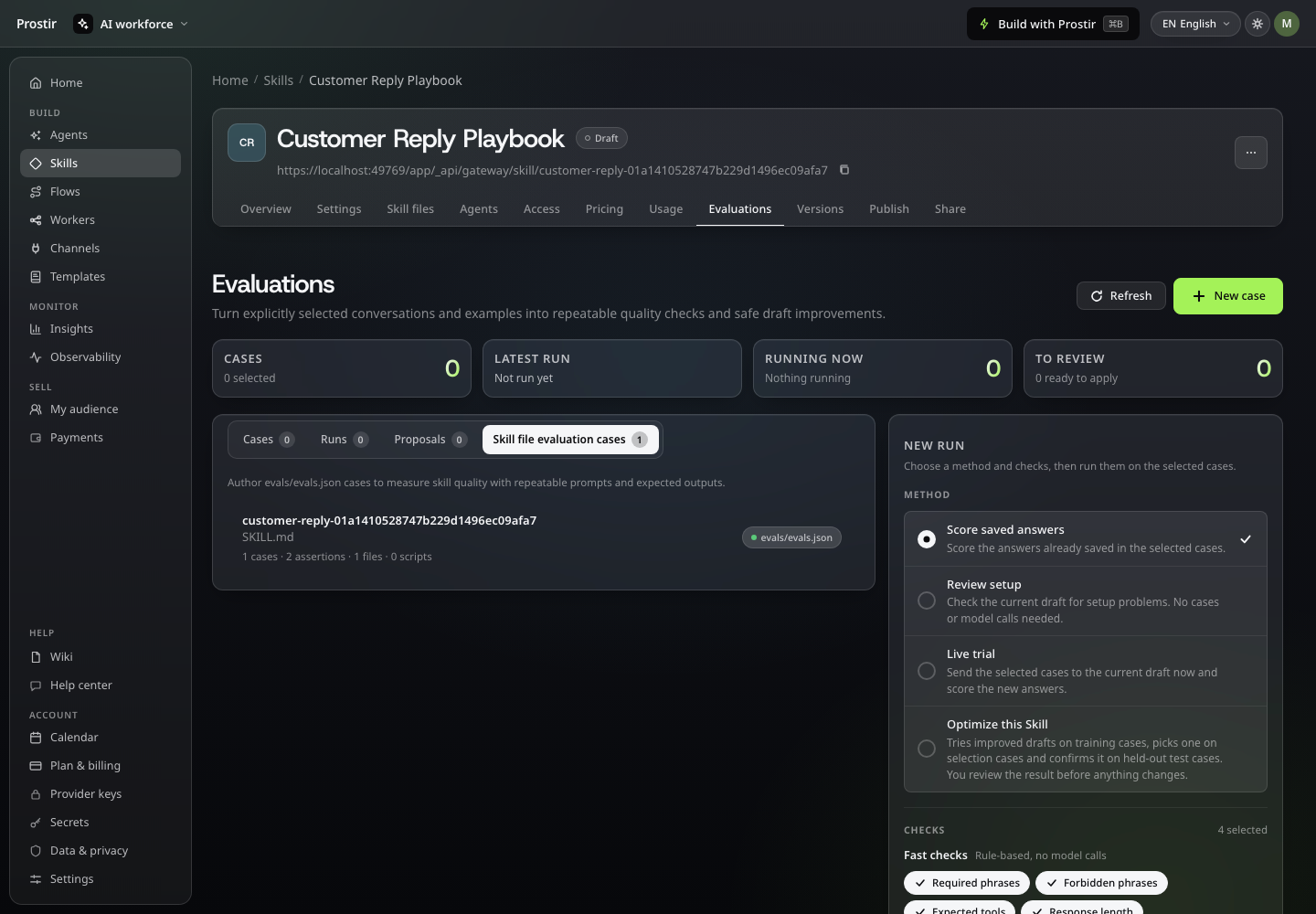
skill
Check the package, choose a version and review your release notes before publishing.
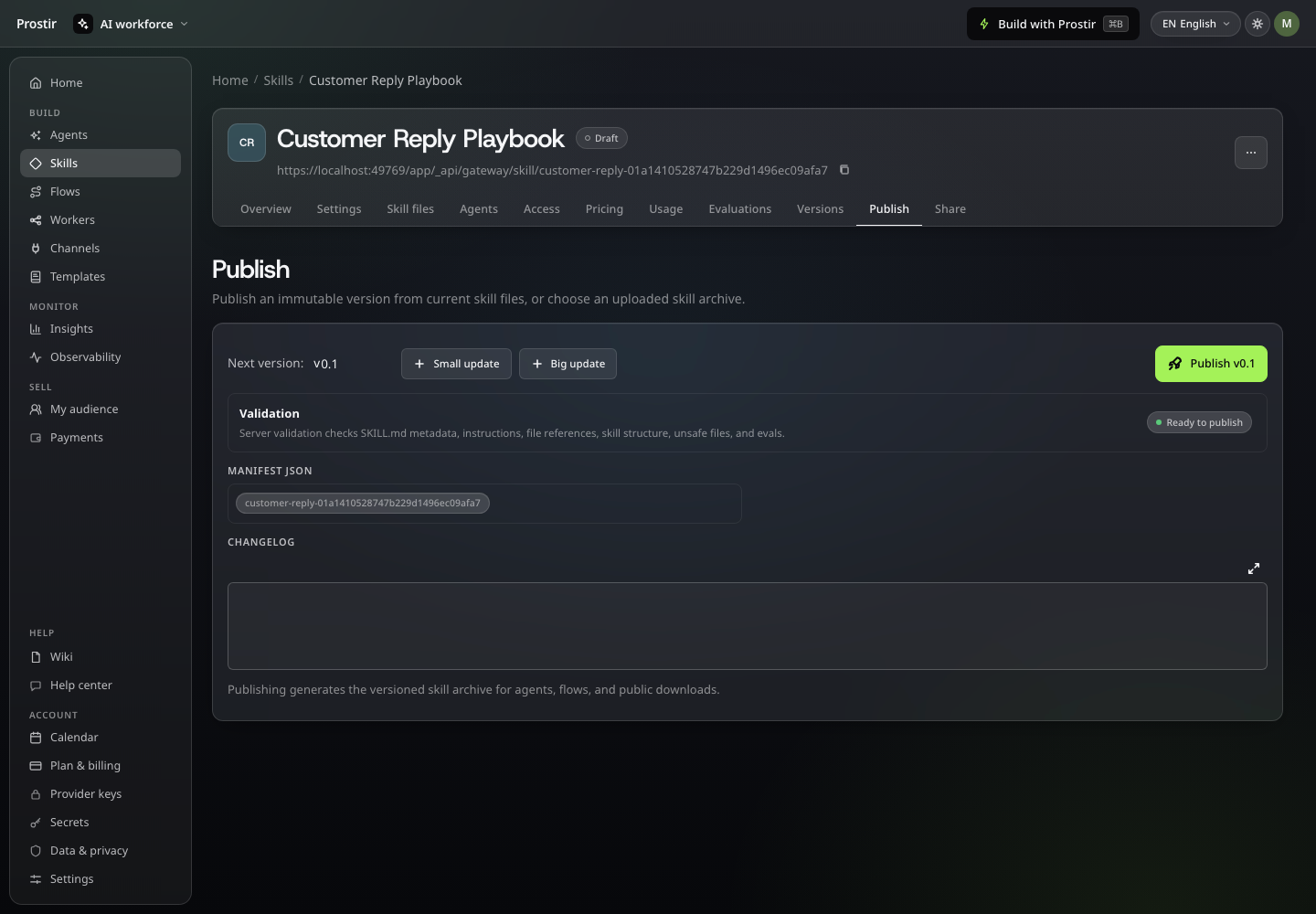
Follow a real interaction in Prostir. Pause whenever you want a closer look.
A useful first step
Define the method, inputs, examples and limits before you build. The included test checklist helps you check the Skill through the agent that will use it.
You can edit this brief in Prostir before starting Builder.
Plan your first step
Your Prostir plan includes a defined Skill allowance. Keep the method and its supporting material together and check the plan before expanding your library.
A Skill is a reusable method. The agent or client applying it uses its own model, permissions and tools; the Skill does not include unlimited AI usage.
Try one method through one agent during the 7-day Creator trial. Check the output and any connected-tool costs before reusing it across more work.
No. A prompt usually gets pasted into one chat. A Skill is a saved folder with versions that tells an agent when and how to use the method, what material to read and where to stop.
Use it through an agent that needs the method. Test the instructions with that agent’s knowledge and authorized tools. The Skill supports the working experience; it does not replace the agent or model.
Someone still needs to own the job. When a policy, tool or process changes, update the relevant Knowledge, rules, Skill or Flow and repeat the important examples. A versioned Skill helps you keep a reusable method deliberate instead of silently copying a changed prompt everywhere.
Read the full guide →Builder lets you describe changes inside Agent, Skill, Flow, Company, Store and Learning. That can reduce routine editing work, but the result still needs checking. A new unsupported integration, unusual data requirement or risky permission change may still need technical help.
Read the full guide →Available
You have already worked out a good way to do the job. Put it into a reusable Skill, try it through an agent and improve the method in one place. Start your 7-day Creator trial, no card needed.