Project management for AI agents: how to manage Codex, Copilot, and other agents
Project management for AI agents needs visible tasks, clear ownership and a way to check results. Use the tools appropriate to the agents doing the work and keep changes tied to the actual project.
A practical operating model for agent backlogs, context, execution isolation, evidence, review, and parallel work.
Best for
Technical leads and operations owners coordinating coding, research, or workflow agents as contributors.
Where the work happens
AI project management · AI agents · Workflow governance · Prostir Company
01
Agents need contracts, not vague tickets
A good agent task names the desired outcome, source of truth, allowed files and tools, non-goals, acceptance tests, reviewer, and stop condition. A vague request such as ‘improve the project’ invites scope drift and makes success impossible to verify.
02
Shape a backlog for independent work
Split work into small independently reviewable units and record dependencies explicitly. Two agents should not silently edit the same record, branch, document, or customer decision; collisions need an owner and a deliberate merge point.
03
Give each agent a context packet
Give each agent a bounded context packet: the current task revision, authoritative references, relevant constraints, prior decisions, and expected evidence. Dumping the whole workspace increases noise, cost, data exposure, and the chance that obsolete text wins.
04
Isolate execution and shared state
Separate branches, workspaces, sessions, credentials, and write scopes. Start read-only where possible, keep secrets outside prompts, and require the owning service to enforce identity, tenant, tool, and revision boundaries.
05
Require evidence, not confidence
Completion means evidence: tests, diffs, citations, artifacts, logs, or a reproducible result tied to the acceptance contract. An agent’s explanation and confidence are useful review aids, not proof that the work is correct.
06
Coordinate parallel agents deliberately
Parallelize only work that can truly proceed independently. A human or authorized orchestrator owns sequencing, shared constraints, conflicts, failed retries, and final acceptance; more agents are not a substitute for a coherent plan.
07
Use a work system as the control plane
A work system can hold the tasks, documents, knowledge, tools, and attached agent identities that make this visible. Prostir Company supplies those current building blocks, but it should not be described as a finished autonomous multi-agent project manager while operator execution remains staged.
08
How do I see what happened and stay in control?
Control starts with a narrow job, clear access and a result you can inspect. Flow runs help you follow explicit steps; Company tasks and CRM show saved work. These are useful records of what happened, not a guarantee that every decision was correct.
A Prostir example
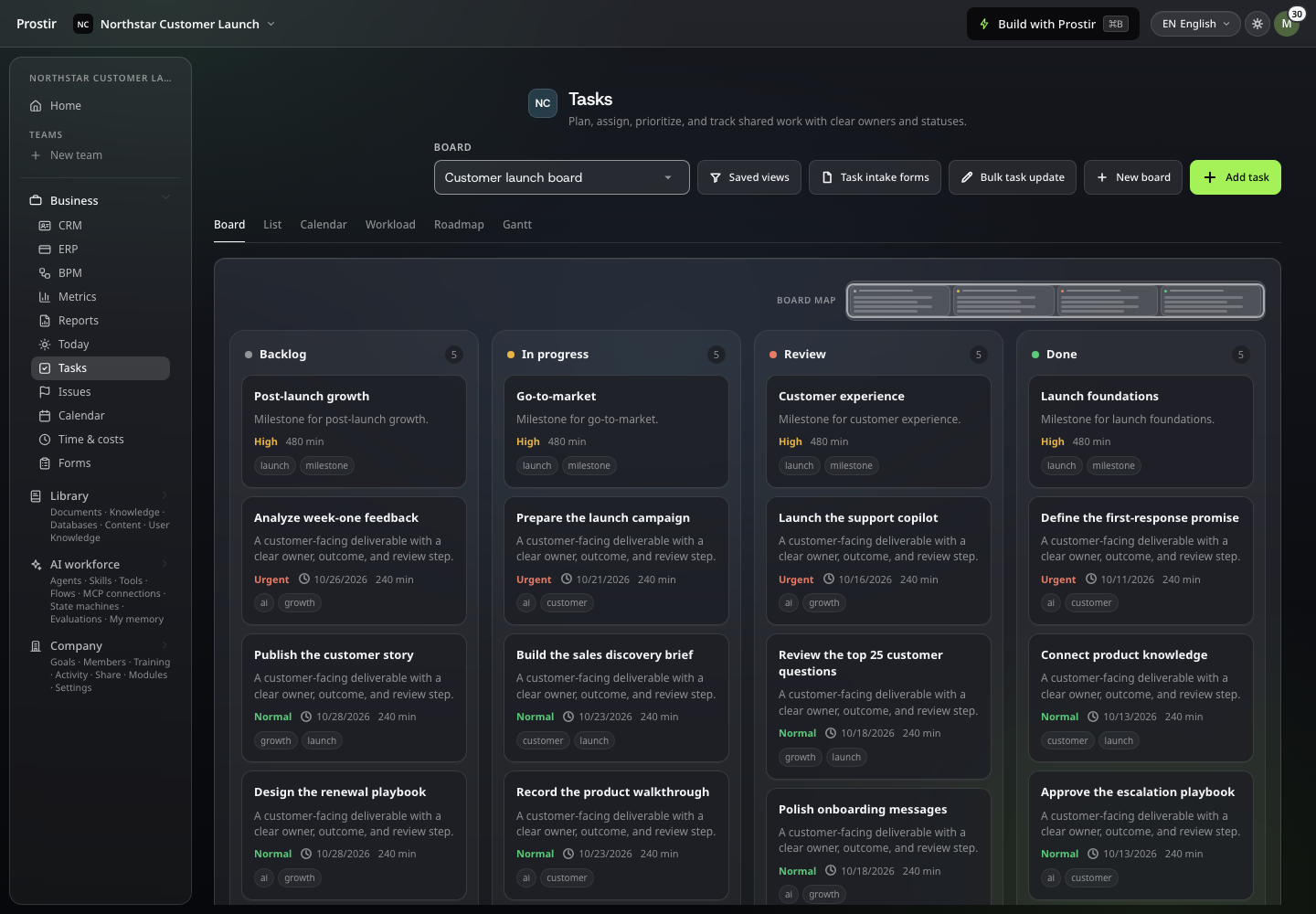
Use a Company for a shared customer task. Check its saved details and CRM context, then inspect the related Flow run where a Flow is involved instead of relying on the assistant's summary alone.
Explore the task calendar, CRM pipeline and sales funnel, then create a task with Builder.
What to check first
Compare the request, permitted action and saved record. Make sure the people reviewing the work have the right access to that exact product.
Give the next task a clear owner.
Solutions
AI workspace for companies: your team's work in one place
One private Company where your team and its AI helpers see the same tasks, records, files and knowledge. Each person sees and edits what their role allows, and every change is easy to trace back.
Stop digging through chats to find out what happens next. Set up one board, a few records and your own knowledge in Company Preview. Start your 7-day Creator trial, no card needed. Company Preview is included in Creator and AI Creator Pro.
Managed Code uses optional cookies to measure site visits and advertising results. Choose “Accept all” to allow them, or “Reject all” to continue without optional cookies. Read the Privacy Policy and Terms of Service for details.