Prostir

Research-backed article

How to implement AI in CRM: a six-step rollout plan

To implement AI in CRM, start with one measurable customer workflow, audit the records and permissions it depends on, introduce read and draft assistance before write access, test failures with real users, and expand only when corrections, adoption, and operating evidence meet a named acceptance bar.

Before you read

What gets published

You will leave with an implementation sequence, acceptance evidence, and a clear boundary between model assistance and CRM authority.

Best for

CRM owners, sales operations leaders, and small teams moving from an AI demo to a controlled rollout.

Where the work happens

How to implement AI in CRM · AI CRM implementation · CRM data quality · AI rollout

01

Choose one measurable outcome

How to implement AI in CRM begins with a business outcome, not an enabled feature. Pick one repeated moment such as preparing for a call, logging a meeting, detecting a missing next action, drafting a follow-up, or routing an inbound request. Record the current time, error, delay, and owner. Define a success metric plus a stop condition. If the team cannot agree what should improve, it cannot evaluate whether the AI helped.
02

Prepare the exact data

List the records, fields, conversations, documents, and connected systems needed for that one job. Mark source of truth, sensitivity, retention, consent, freshness, and allowed audience. Resolve obvious duplicates and empty required fields before the pilot. Create a bounded evaluation set with normal examples, edge cases, and deliberately wrong or stale inputs. Do not copy an entire CRM into a model context merely because the integration permits it.

03

Start read-only

Give the AI only the read tools required to assemble context. Ask it to cite or link the records behind a summary, distinguish facts from inference, state missing inputs, and refuse a request outside scope. Test exact user permissions and revoked access. Compare its output with the existing manual workflow. Read-only work reveals retrieval, identity, data-quality, latency, and cost problems before an incorrect suggestion can alter customer state.

04

Add drafts and approvals

Next let the AI create structured proposals: a note, task, field update, classification, follow-up, or stage transition with old value, proposed value, reason, source, and expected revision. A person accepts, edits, or rejects. Promote only low-risk, repetitive proposals to automatic execution and keep deterministic validation, idempotency, rate limits, audit, and rollback. Separate permission to read, draft, approve, and commit.

05

Prove failure handling

Run scenarios that polished demos avoid: duplicate customer, conflicting edits, missing consent, confidential field, prompt injection in a note, provider timeout, expired token, partial write, rate limit, model change, revoked user, wrong recommendation, and unavailable human approver. Decide how work queues, retries, alerts, reconciliation, and recovery behave. Production readiness is the ability to explain and repair the first bad day, not a successful happy-path call.

06

Expand from evidence

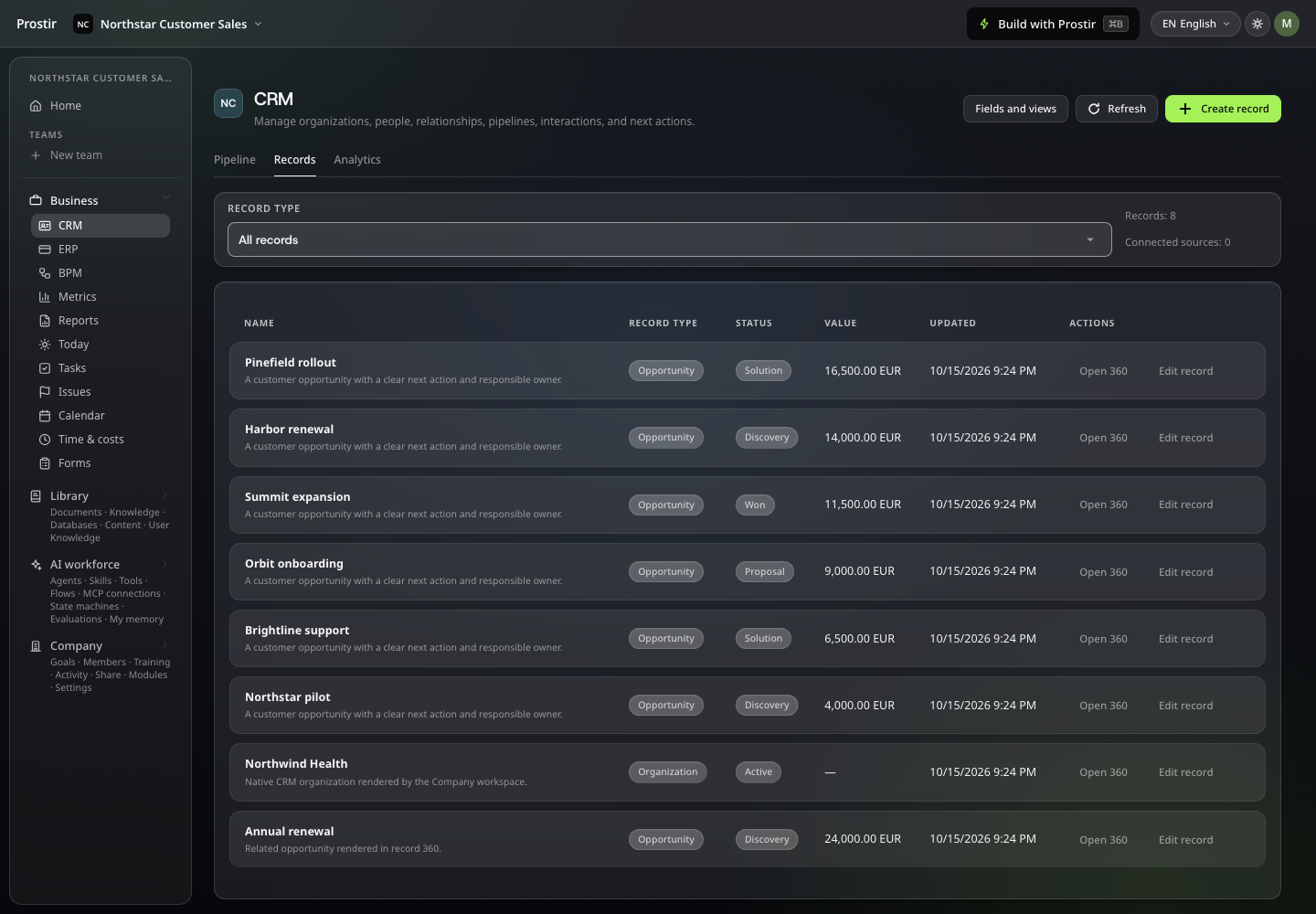
Review accepted versus corrected suggestions, false positives, time saved, overdue actions, data completeness, usage by role, cost, incidents, and escalation. Expand one permission or workflow at a time; remove assistance people ignore. Prostir Team can support an early controlled layer through private membership, logical Data, Tasks, Knowledge, tools, MCP connections, Skills, and attached Agents. Dedicated typed CRM and ERP-oriented Operations remain planned, so a Custom Plan pilot must name the external authority, current Team scope, and evidence needed before broader writes.

Solutions

AI workspace for teams that need private shared work

Create a private Team boundary where members collaborate on shared work and can use explicitly attached Agents, Skills, and MCP connections without turning the Team into a public Agent.

Solutions

Scope the private Team you actually need

Tell us who collaborates, what they share, which records or boards matter, and which AI helpers need access. We will map the current modules and call out the staged operational layers explicitly.