01
Describe the job in Builder
Describe the client's job in Builder and refine the result in chat.
Ready connections and editors cover most building blocks. Specialist connections and custom work can still need technical setup.
Research-backed article
How to build and sell custom AI agents without coding, in plain steps. Describe the job in Builder, and Prostir handles the rest.
7 days free. No card required.
Before you read
A plan to build a client agent in Builder, test it and sell a clear package, with the limits of no-code stated.
Business owners, experts and small teams who want an agent for one real job they can support.
Builder · Agent · Access and payments
01
Describe the client's job in Builder and refine the result in chat.
Ready connections and editors cover most building blocks. Specialist connections and custom work can still need technical setup.
02
No-code removes much of the technical setup. You still define the job, get rights to the sources, set permissions, write tests, handle errors and support customers.
03
Start with a private agent, a small set of sources and only the tools it needs.
Test it with saved cases, then publish controlled access.
04
Sell one defined result plus onboarding. Repeat it as a standard offer once it works for a few clients.
05
When people use your agent from their own ChatGPT or Claude, the model-token cost to the Agent creator is $0. Their AI app runs the model on their own plan.
For normal MCP use, the creator does not buy model tokens. No AI provider key is needed, and BYOK stays optional.
Building without code doesn't change who pays for the model. In ChatGPT or Claude the client's plan covers it, and in a hosted channel your AI Credits or your own key (BYOK) do.
06
Custom JavaScript, unsupported integrations, complex payment flows, regulated decisions and unusual interfaces may still need engineering and a security review.
Without coding describes how you build. The technical responsibility for what you sell stays with you.
07
No. You describe a change to Builder in plain words for an Agent, Skill, Flow, Company, Store or Learning course, then check the result. Only a new connection or an unusual permission may need technical help.
A Prostir example
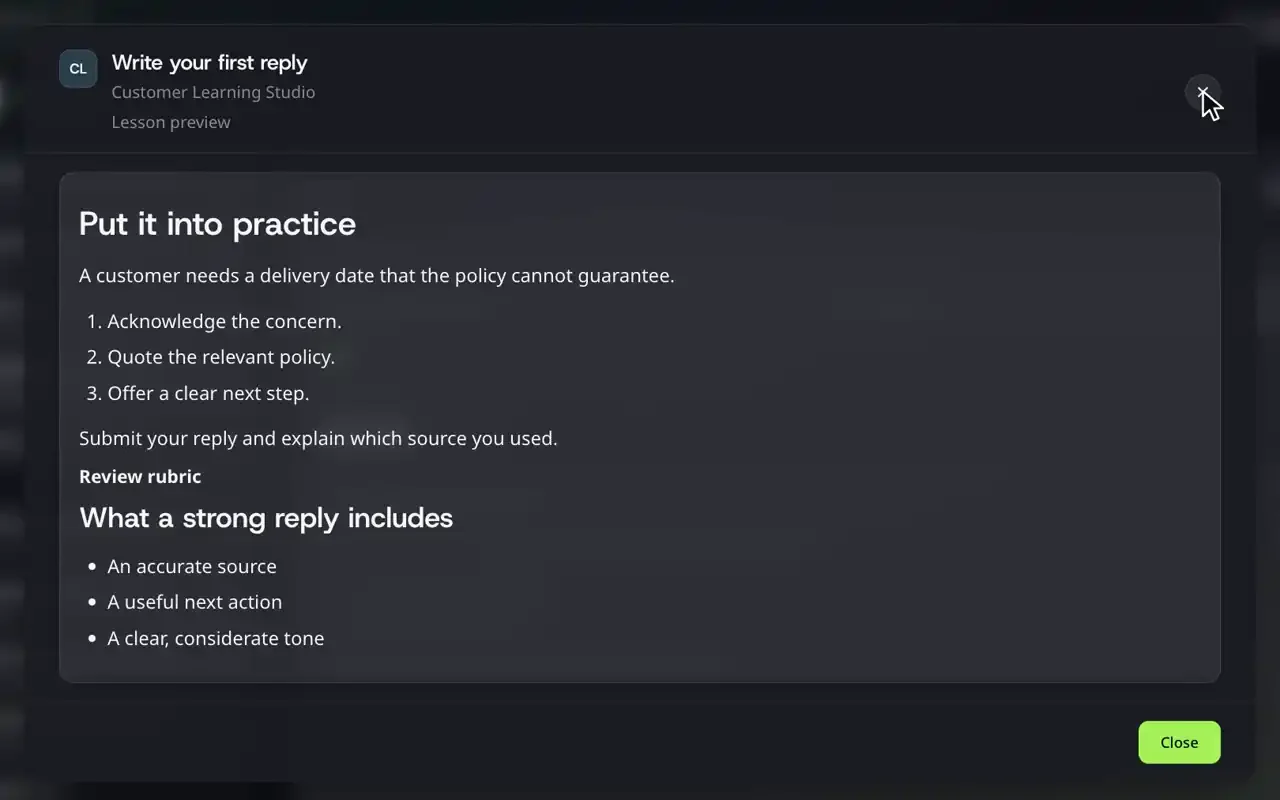
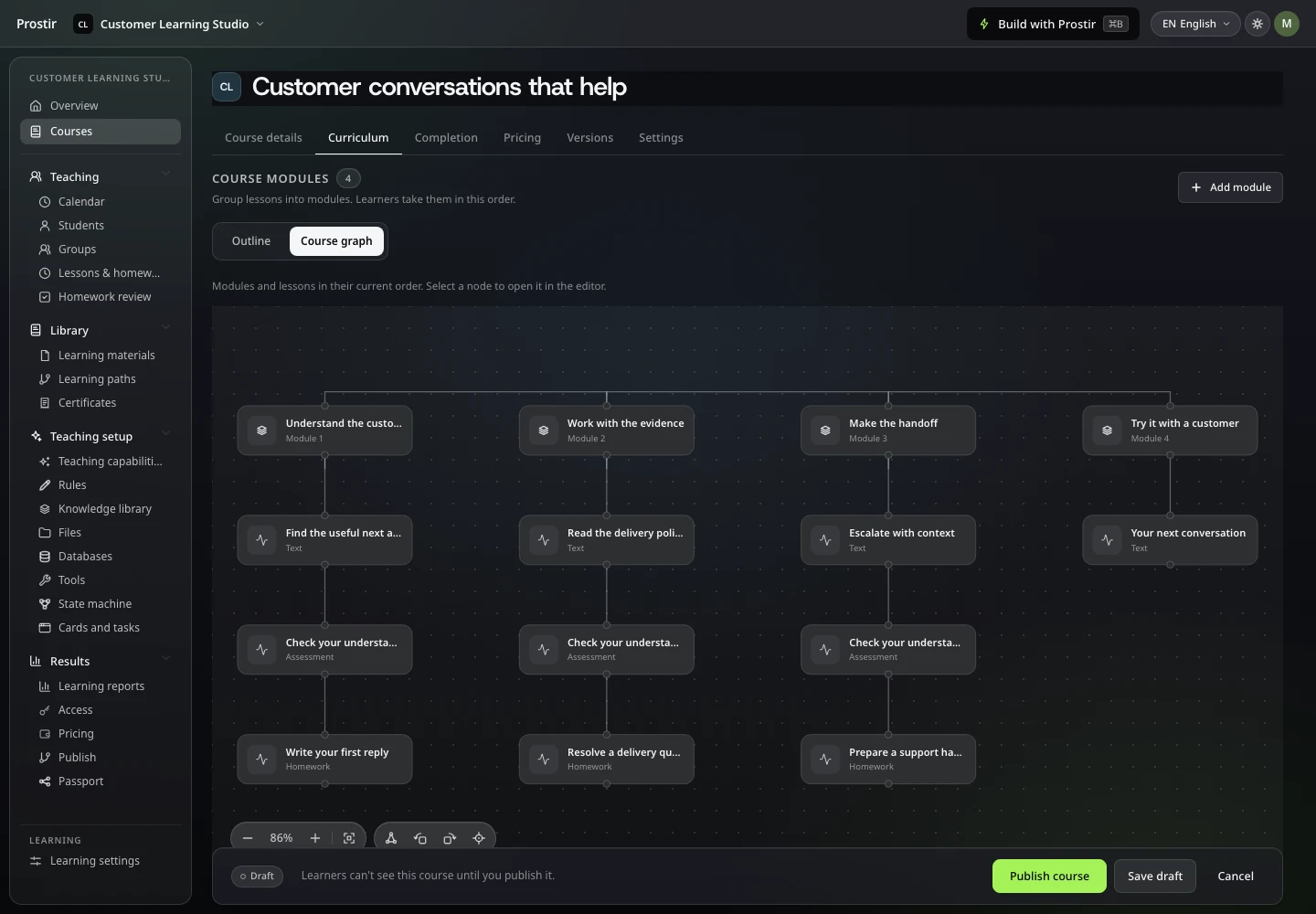
Ask Builder to add a module to a Learning course, then open the course and check the new lessons.
What to check first
Make one small real change and look at it in the product.
Solutions
Build the agent from the client's material and choose exactly who can sign in. Prostir handles the hosting and the access. Start your 7-day Creator trial, no card needed.